Template · Articles 3–6, 25, 26 and 50 (supporting record) · Supports duties in force since 2 February 2025
AI System Inventory Template for the EU AI Act
An AI system inventory is a single register of every AI system a company builds, buys or uses, recording for each what it does, the company's legal role (provider, deployer, importer, distributor) and its risk tier under Regulation (EU) 2024/1689. The AI Act contains no article headed "inventory", but nearly every duty it does contain — the Article 5 prohibitions (since 2 February 2025), Article 4 literacy, Article 50 transparency (since 2 August 2026) and the Annex III high-risk regime (from 2 December 2027) — can only be met if you know which systems you have and what role you play for each. The register is the working record that supports those duties.
Last reviewed: 26 August 2026 · Supports duties in force since 2 February 2025 · Included in the kit as 09_AI_System_Inventory_Register.xlsx
What this document is
The RegShelf AI System Inventory Register is an Excel workbook — the foundation document of the kit — that lists one row per AI system with fourteen columns: system name, vendor or internal, what it does, business function, your legal role (dropdown), four screening flags (user-facing, generates content, emotion recognition or biometrics, decisions about people), risk tier, applicable articles, owner, status and last-reviewed date. To be clear about what it is not: no EU-wide law obliges a private company to keep a general AI register as such. It is the practical precondition for everything the AI Act does oblige you to do — you cannot screen a system you have not listed, and you cannot assess duties for a role you have not identified.
Who needs it
Any company using or providing AI — which today includes AI features switched on inside ordinary SaaS: CRM lead scoring, HR screening add-ons, meeting transcription with sentiment options, chatbots and internal prototypes. The register's quick-start instructions tell you to ask each team lead rather than rely on the IT asset list, because "shadow AI" — free browser tools and personal accounts — is where undocumented risk hides. SMEs in particular need the role column: the same company can be a deployer for one system and a provider for another, and white-labelling a vendor's AI under your own name or trademark makes you the provider of that system with the full provider duty set (Article 25).
What the law requires — precisely
Roles are assessed per AI system and per use (Article 3(3)–(4)). Merely calling a third-party model via API does not make you a provider — but placing a downstream system on the market under your own name or trademark, or substantially modifying a high-risk system, can (Article 25(1)). Each row's screening flags then map to real duties:
- anything that might be an Article 5 prohibited practice must stop pending review — most prohibitions have applied since 2 February 2025;
- systems that interact with people or generate content usually carry Article 50 transparency duties, in force since 2 August 2026;
- high-risk candidates get preparation time until 2 December 2027 (Annex III) or 2 August 2028 (AI in Annex I regulated products).
A register like this supports compliance with those articles; no template can "satisfy" them on its own.
What's inside the RegShelf template
The workbook has three sheets:
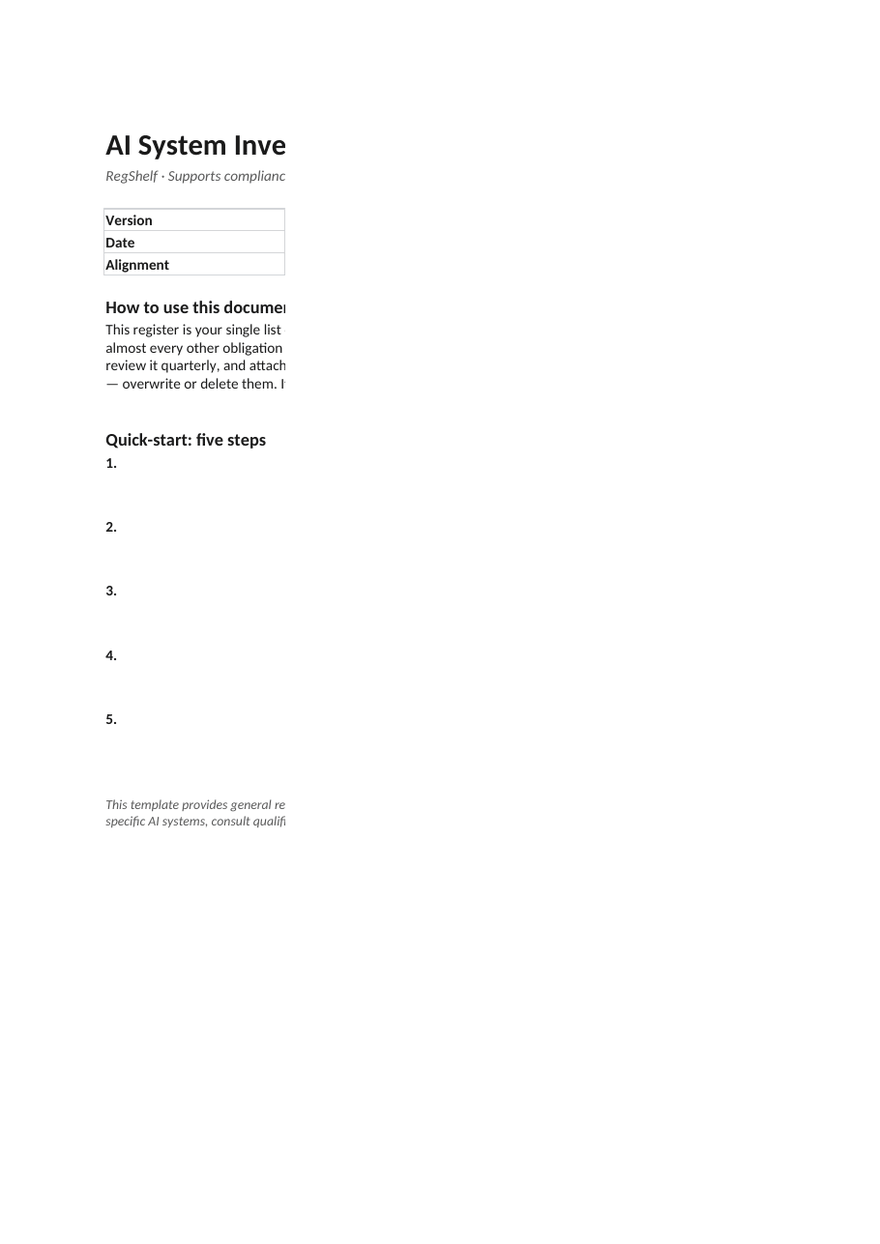
- About — how to use the register and a five-step quick-start: list every system including shadow AI; record function and legal role; answer the four screening flags; assign a risk tier; name an owner and review date per row;
- Inventory — the 14-column register with dropdowns and five worked example rows you overwrite: a vendor API used for support drafting (deployer, transparency duty), a CV-screening tool (deployer, high-risk preparation), a white-labelled content generator (provider, Article 50(2) marking), a meeting sentiment add-on (prohibited — stopped, Article 5(1)(f)) and an internal invoice-OCR build (minimal);
- Role guide — plain-language tests for provider, deployer, importer, distributor and white-label provider, plus four "deciding in practice" rules, including the API point and the instruction to record your reasoning in the scope memo (doc 13).
How to use it
Fill the Inventory sheet by interviewing team leads, not just IT. Pick a role per row using the Role guide, run every row through the prohibited practices screen, and give high-risk candidates a risk classification assessment. Review the register quarterly and re-screen whenever a system, vendor or use case changes — the review triggers are listed in the kit's compliance calendar (doc 13), to which the register attaches.
Related reading
- Risk Classification Assessment template
- Prohibited-Practices Screening template
- Timeline & deadlines
- Article 50 transparency
Frequently asked
Does the EU AI Act require companies to keep an AI inventory?+
There is no standalone "inventory article" imposing a general register on private companies. But the duties the Act does impose — prohibition screening, transparency, literacy, high-risk preparation — are assessed per AI system and per role, so a written inventory is the practical foundation for demonstrating any of them.
What should an AI system inventory include?+
At minimum: system name and vendor, what it does, the business function, your legal role for that system (provider, deployer, importer, distributor), flags for user interaction, content generation, biometrics or emotion recognition, and decisions about people, a risk tier, the applicable articles, an owner and a review date. That is the exact column set of the RegShelf register.
Are we a provider or a deployer under the AI Act?+
It depends on the system, not the company. You are typically a deployer when you use a vendor tool or API under your own authority, and a provider when you develop a system (or have one developed) and offer it under your own name or trademark — including white-labelling. Substantially modifying a vendor system or repurposing it for a high-risk use can also make you a provider (Article 25). Assess and record the role per system.
Do AI features inside SaaS tools belong in the inventory?+
Yes — a sentiment add-on in a meeting tool or a scoring feature in a CRM is an AI system you deploy, even if you never actively chose it. These embedded features are where SMEs most often trip over the Article 5 emotion-recognition prohibition.
Primary sources
- Regulation (EU) 2024/1689 (consolidated)
- Regulation (EU) 2026/1744 (Digital Omnibus on AI)
- AI Act Explorer — Article 25 (responsibilities along the value chain)
This template ships in the EU AI Act Kit
24 fill-in documents in Word and Excel — launch price €149, twelve months of updates included.
See the full kit